DriverPack Solution
DriverPack Solution quick and auto-updating of drivers

Safe & Secure
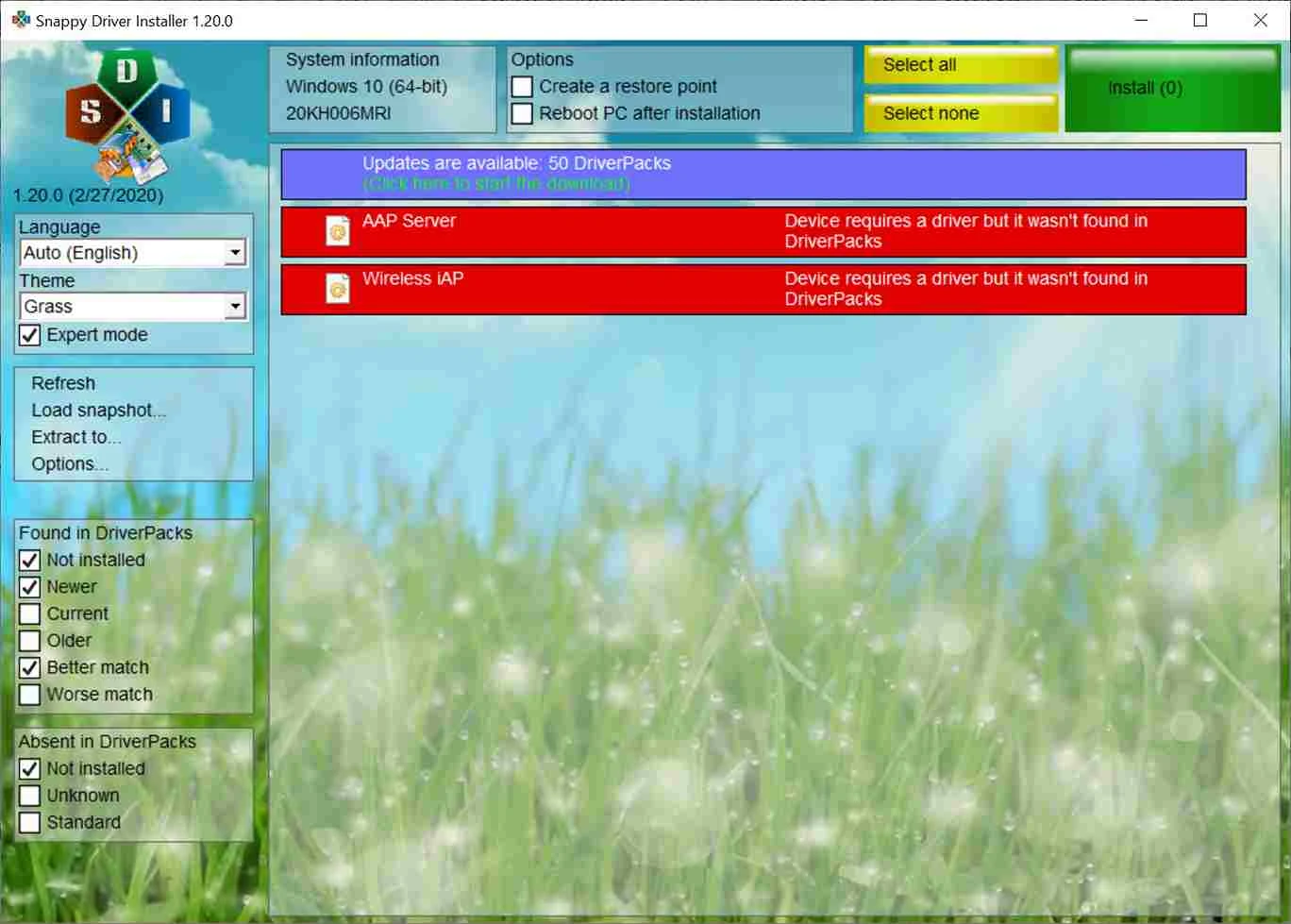
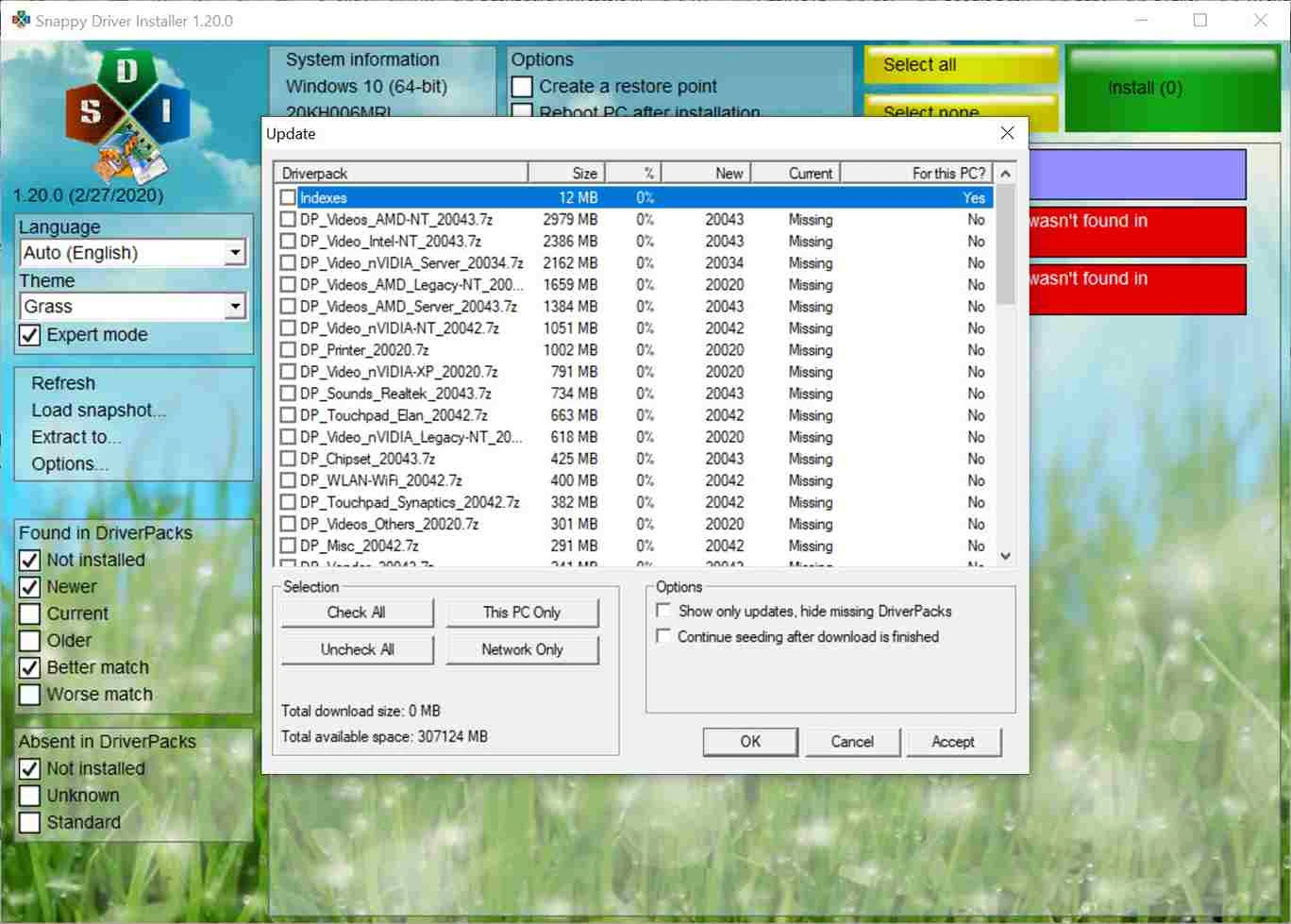
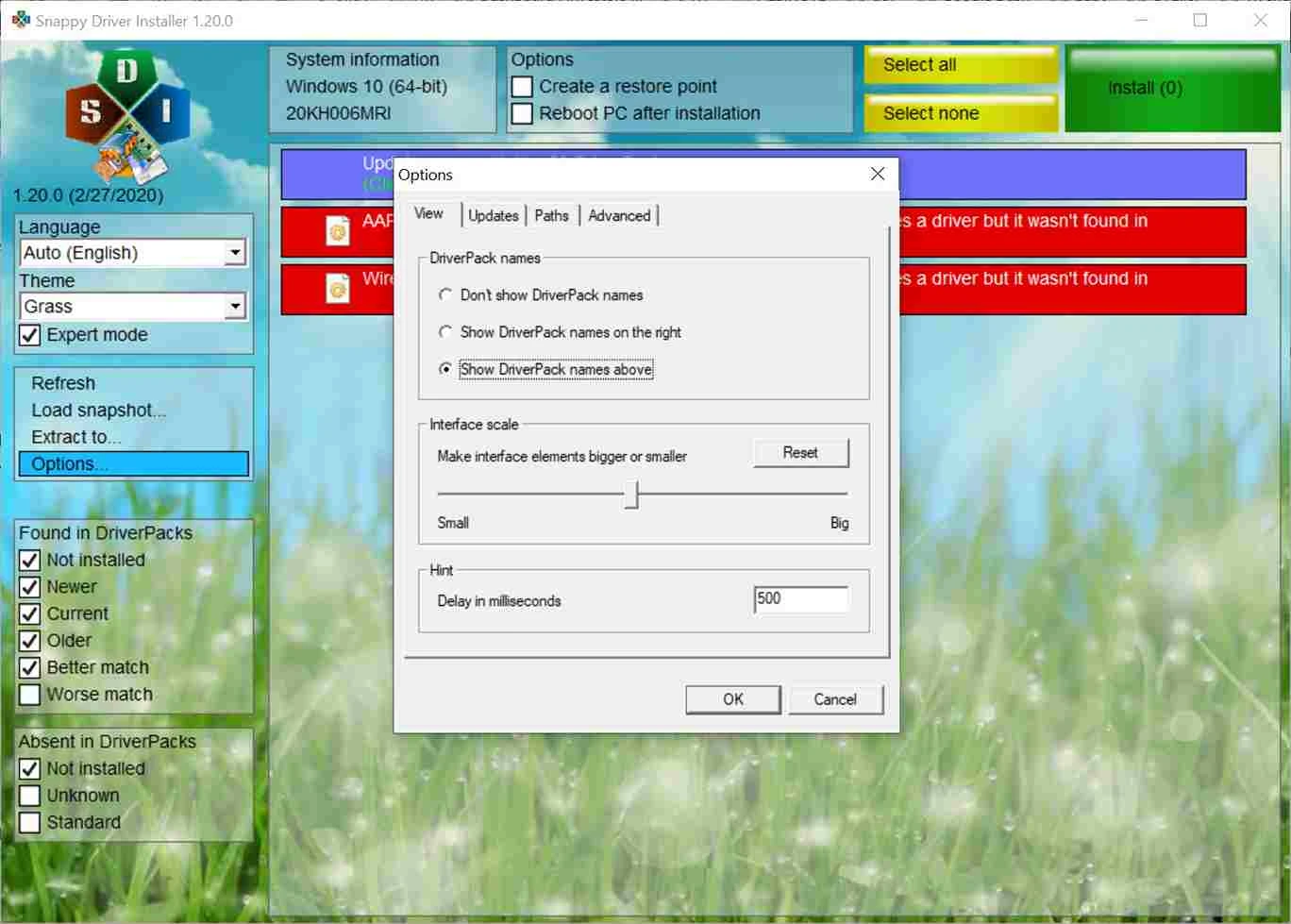
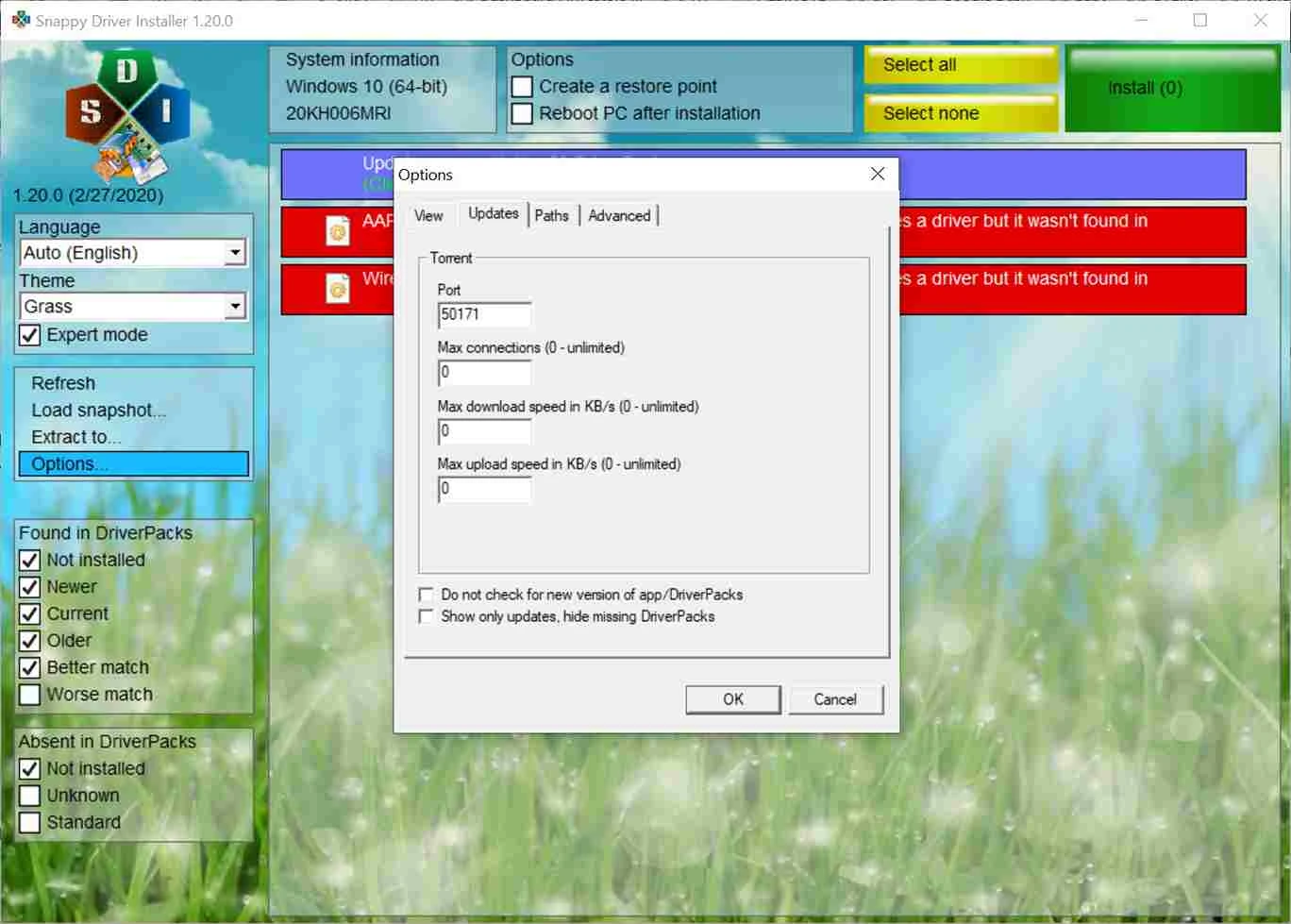
Snappy Driver Installer is a powerful driver updater, specifically designed for desktop computers. It quickly scans to find, install, and update drivers for your Windows-based devices. It is a helpful tool for installing drivers on computers that have recently installed an operating system.
The comprehensive driver management tool with portable capability doesn’t require traditional installation; instead, save it to any portable flash drive and use it on any device. However, the app requires an internet connection to download the desired drivers.
Snappy Driver Installer developed by BadPointer, falls under the System Utilities, is a Freeware software. The comprehensive utility helps to download, install, or update outdated or missing drivers on Windows-based devices. It offers a deep scanning process with a user-friendly interface and an extensive driver collection.
The drivers can be updated using the driver discs provided by the PC manufacturers, but it is a complex process, as you have to manually check the drivers on the Internet. But the app offers a huge driver database for the ease of reliably installing the desired drivers to keep your PC up-to-date.
The user interface offers a simple and minimalistic design to show the list of all missing or outdated driver packs in your system after completing the scanning process. The simplicity of the program makes everything quick and easy, as you need only to enable the Export Mode and let it turn on all important settings related to item visibility. In this way, you can get quick results within the command to display only newer, current, older, or missing drivers. However, you can modify it to show invalid entries, duplicate entries, or drivers to fix issues.
Creating a backup is one of the most standout functionalities, as it saves the data and enables users to restore it at any time. The program also offers an option of creating backup, before you move to install new drivers. It makes possible to reverting back to the previous drivers, in case of not satisfying with new ones. Moreover, the app offers an extensive database of drivers for the ease of users, offering a search option for their desired drivers for hardware components, and installs them automatically.
This innovative capability helps the users to reliably add drivers to their system, even they are offline. It is the best option, specifically when you have to install drivers on a new Windows operating system, without network drivers, making the installation of drivers quick and easy on a system with limited or without internet connection.
The generating of log file helps the users to get detailed information, whenever an action is performed, it generates a log file, such as file downloading, driver installing, file storing to computer, and so on. You can easily access the log file by pressing the corresponding button available on the interface. It helps you stay in touch with your system memory and other system processes without going to a messy or overloaded system.
The program is updated regularly and allows you to get updates while sending notifications. You need only to configure the notification option, and toggle to turn on, and get quick alerts to keep your system drivers up-to-date. In case of facing some issues, you are capable to get back the previous version. However, the system can slow down, but the instability will be a little bit.
The app offers support for extensive variety of languages, making it one of the best options across the world through crossing the language limits. So, you can easily select the language from the database and set it as your default. It will save you from all types of inconveniences and help you to use the app more reliably without any issues.
The availability of multiple customization options enables users to reliably make changes according to their preferences. So, you will be capable of selecting drivers you want to update, excluding unnecessary or outdated drivers, and creating driver packs to manage your offline driver installation process. It helps to have more control over driver updating management.
The app offers cross-platform compatibility with multiple Windows versions, from older to the latest ones. So, you can reliably use it. It is available with Freeware license for the ease of users, as you can use the free version for personal and limited use. However, for professional or higher usage requirements, you need to purchase the subscription plan.
Pros
Cons

DriverPack Solution quick and auto-updating of drivers

DirectX 12 launched by Microsoft very effectively controls the games.

DirectX 11 perform multiple tasks about games, and multimedia programs.

DirectX 10 is increasing the quality of audio and video of ATI and NVIDIA cards.

DirectX 9.0c run and display multimedia apps, audio, 2D, and 3D

3uTools offers jailbreaking and flashing features for your iOS devices.